Build your brand's design system with Claude in 60 minutes
A free live session. Bring your logo, colours and fonts, and leave with a design system Claude can follow, so the pages, posts and slides it makes look like your business.
Built with the same system
Real before and after: our own website and course slides, before and after we gave Claude one design system.
Our website
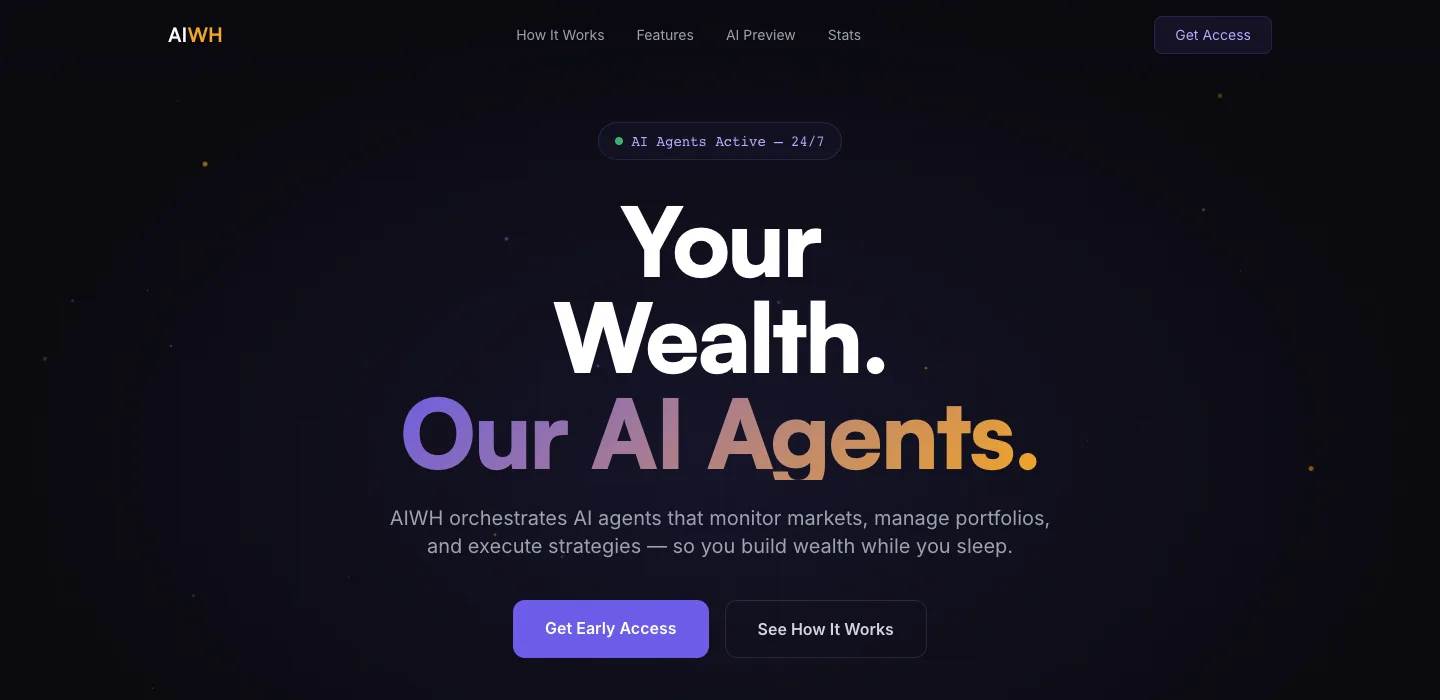
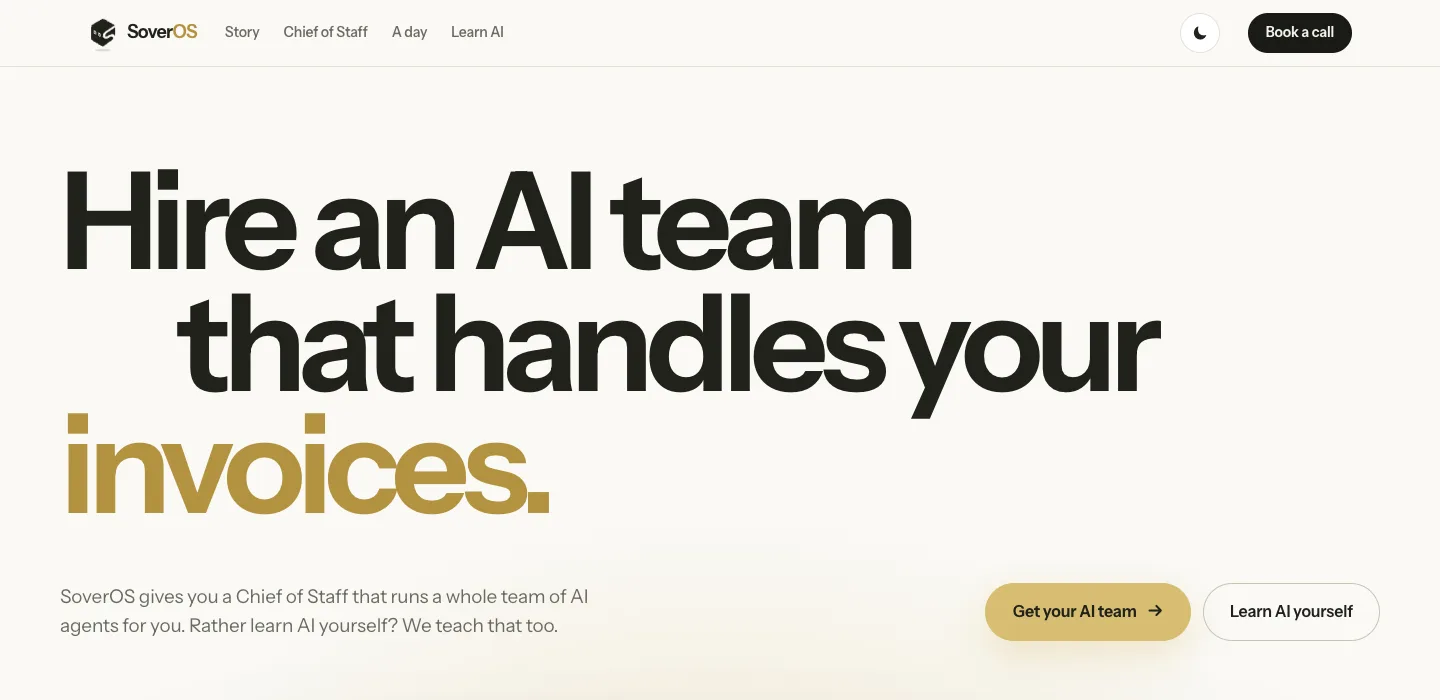
Our course slides
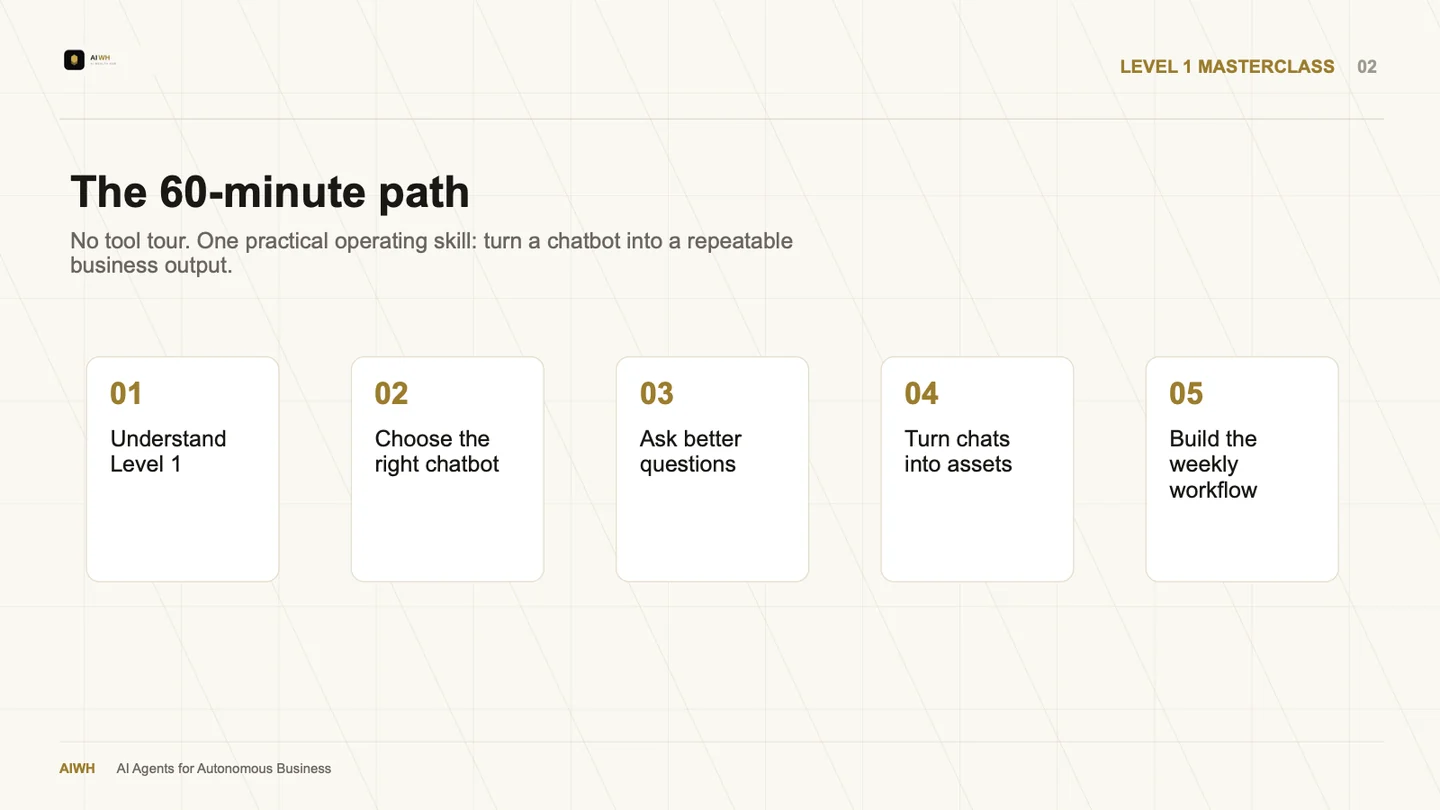
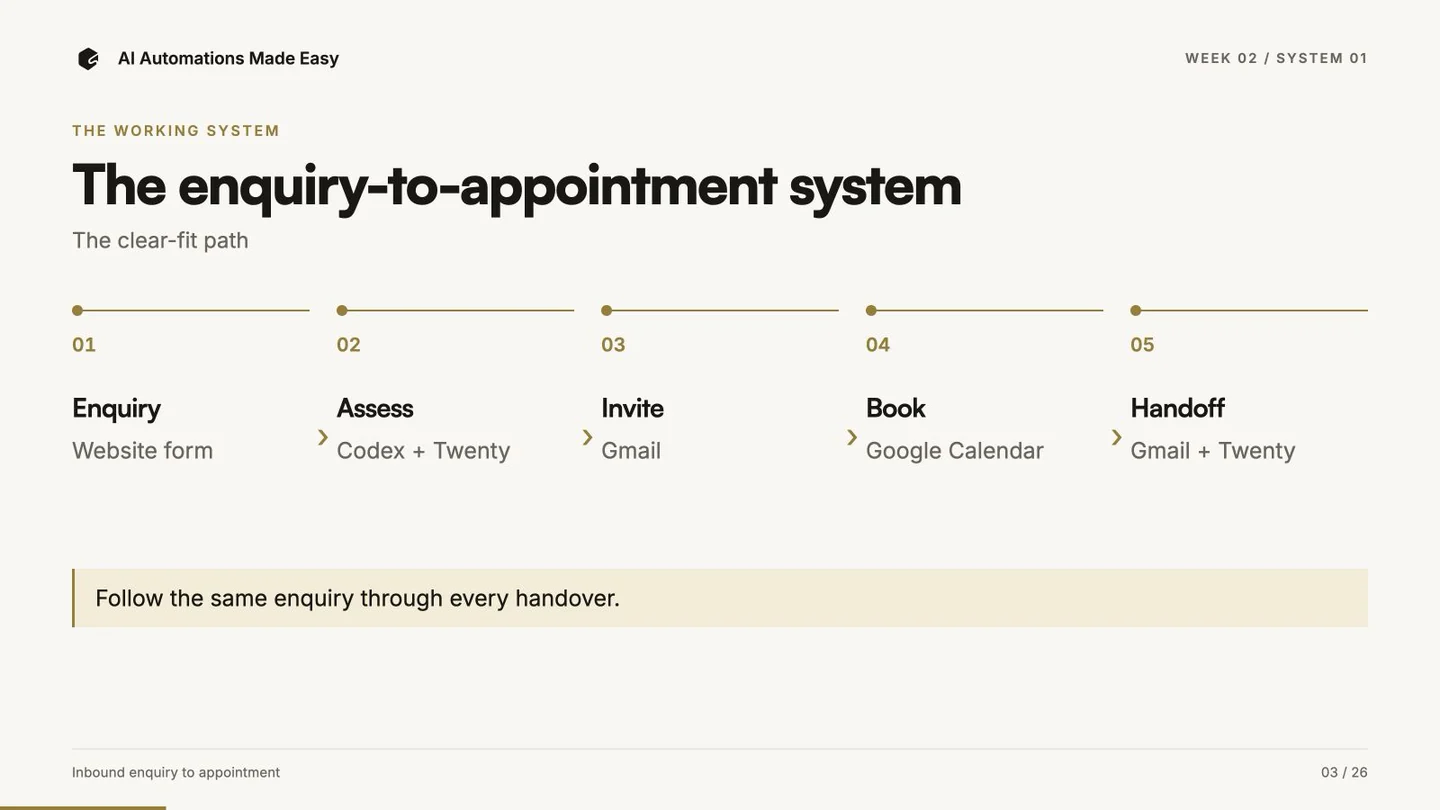
Sound familiar?
“I ask Claude for a landing page and get the same gradient and rounded cards as everyone else.”
“I paste my brand colours into every prompt and it still drifts.”
Every off-brand design means another round of fixes. Or it goes out looking like a template.
What you'll leave with
A design system is a set of rules about how your brand looks. Once Claude has it, every new design starts in your style.
Tokens
Your colours, fonts and spacing, written into a file Claude reads.
Components
Buttons, cards and page sections built once, in your style.
Rules
A short guide that tells Claude how to use them, so new designs stay on-brand.
The 60 minutes
- 0–10 minWhy AI designs look generic, and what a design system fixes
- 10–25 minTurning your logo, colours and fonts into tokens with Claude
- 25–40 minBuilding your first components
- 40–50 minWriting the rules file Claude follows
- 50–60 minUsing it live to make an on-brand page, then Q&A
This isn't for you if you want a finished logo design. This is about making Claude follow the brand you already have.
Show up live and get brand-system.md.
The design system file behind SoverOS, ready to adapt for your brand. Shared during the live session.

Brendon
Brendon is the founder of SoverOS, which sets up AI teams for business owners. He teaches AI step by step on his YouTube channel, AI with Brendon, and in the free Starting with AI Automations community.
The SoverOS brand you're looking at runs on a design system he built with Claude. You'll watch him build one for you.
Questions
Is it free?
Yes. The live session and the replay are both free.
Where is it held, and do I need a Skool account?
It's live on Google Meet. Open the link in your confirmation email or calendar invite at 6pm Brisbane time and you're in. You don't need a Skool account to join. The replay goes into the free Starting with AI Automations community afterwards.
Do I need to know design or code?
No.
Which Claude plan do I need?
Claude Design works on the free plan, but saving your brand as a design system, which is what we build together, needs Claude Pro, Max, Team or Enterprise. Pro is the cheapest option.
Will there be a replay?
Yes, for everyone who registers. It goes into the free Starting with AI Automations community after the session.
What do I need to bring?
Your logo, your brand colours (or a website whose look you like), your fonts if you have them, and Claude open in a browser tab. No design or coding background needed.
What if I don't have brand colours yet?
Bring a website whose look you like. We'll pull colours and fonts from it with Claude and build from there.
Give Claude your style. It takes an hour.
Wednesday 11 November, 6pm Brisbane time · Live on Google Meet · Free
- 1Your tokens: colours, fonts and spacing
- 2Your first components, in your style
- 3A rules file Claude follows